How to Track Business Expenses Efficiently (Without Drowning in Receipts)
Track business expenses fast with a system that captures every cost in real time. Tools, habits, and proven workflows that preserve every legitimate deduction.

Quick Answer
To track business expenses efficiently: (1) use one dedicated business card for almost all expenses, (2) snap receipts on your phone the moment you spend, (3) enable bank feeds in your accounting software, (4) build categorization rules for recurring vendors, (5) review uncategorized transactions weekly, (6) log mileage in real time using a tracking app.
Tracking expenses well does two things: it preserves every legitimate tax deduction and gives you an accurate picture of where money actually goes. The key is a system that captures expenses at the moment they happen.
Table of contents
Capture Expenses Immediately
Use your accounting app's mobile receipt capture. Photograph or forward receipts the moment a purchase happens — context (purpose, project, attendees) is freshest then. Waiting even a week multiplies the time required.
Use a Dedicated Business Card
A single business card for nearly all expenses creates one clean transaction feed and eliminates personal/business mixing. Even better: a card per major category if volume is high.
Categorize Consistently
Stick to the categories in your chart of accounts. Inconsistent categorization makes reports misleading and tax filing harder. When unsure, ask — don't invent.
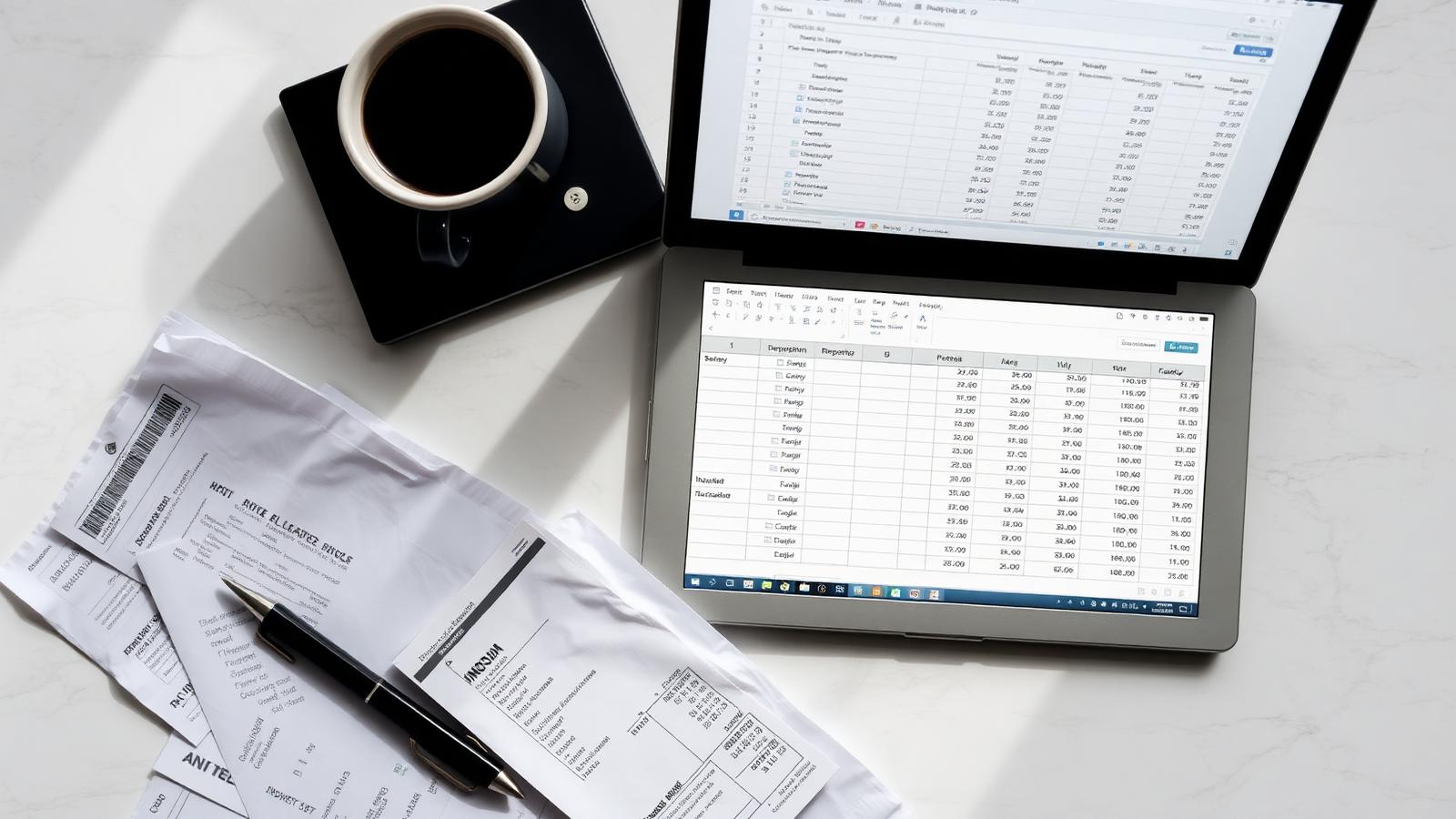
Best Ways to Get Started
- →
Get a business card and use it for everything
Creates a single transaction feed. The biggest single time-saver in expense tracking.
- →
Enable bank feeds in your accounting software
Transactions sync daily. You categorize once, then build rules so future ones auto-categorize.
- →
Snap receipts in real time
Use your accounting app's mobile receipt capture. Don't let receipts ride in your wallet for a week.
- →
Build categorization rules
'All transactions from Vendor X = Office Supplies.' One rule handles years of entries.
- →
Use a mileage-tracking app
MileIQ, Everlance, or QuickBooks built-in. Auto-detects drives so logs are contemporaneous.
- →
Review uncategorized transactions weekly
5 minutes a week beats 2 hours at month-end.
Step-by-Step Plan
- 01
Open a business credit card
Pick one with good cashback and a clean digital interface. Use it for nearly all business expenses.
- 02
Connect it to your accounting software
Enable bank feeds so transactions sync daily.
- 03
Install the mobile app for receipt capture
Test it once: photograph a receipt, attach it to a transaction.
- 04
Build categorization rules
Set up auto-categorization for your top 10 recurring vendors.
- 05
Install a mileage app if you drive for work
Auto-tracking apps log drives in the background.
- 06
Set a weekly 15-minute review
Review uncategorized transactions, attach missing receipts, log unusual context.
Expense Tracking Methods Compared
| Method | Speed | Audit-Ready | Best For |
|---|---|---|---|
| Phone app + bank feeds | Fastest | Yes | Most small businesses |
| Dedicated card + monthly review | Fast | Yes (with receipts) | Low-volume businesses |
| Manual spreadsheet entry | Slow | Only if disciplined | Very low volume |
| Shoebox + tax-time sort | Slowest | Risky | Not recommended |
Mistakes to Avoid
- ✗Using a personal card for 'just one' business purchase — then forgetting to expense it.
- ✗Letting receipts pile up for weeks.
- ✗Inventing new expense categories on the fly.
- ✗Skipping the mileage log because 'I'll remember'.
- ✗Not attaching receipts to transactions — making audit defense painful.
Pro Tips Advanced
- ★Forward all email receipts to a dedicated inbox that auto-saves to cloud storage.
- ★Take a photo of paper receipts at the point of purchase, then throw them away.
- ★Use card statement memos to add project codes for client-billable expenses.
- ★Audit your top 5 expense categories monthly — pricing drift hides there.
- ★Track gross margin alongside expenses — high spending isn't a problem if margin holds.
Frequently Asked Questions
Sources
- • Publication 334: Tax Guide for Small Business — Internal Revenue Service
- • Generally Accepted Accounting Principles (GAAP) — Financial Accounting Standards Board
- • Small Business Financial Management — U.S. Small Business Administration
All articles are reviewed for factual accuracy by a credentialed accounting professional before publication.
David spent 11 years as a financial controller before joining Ledgerwise as a contributing editor. He writes about cash flow management, accounts receivable, and operational finance for owner-operated businesses.