How QuickBooks Keeps Your Business Running While You're on Vacation
Take the trip without dropping the ball. See how QuickBooks Online automates invoicing, expense tracking, and reporting so your small business keeps humming while you're off the grid.
Quick Answer
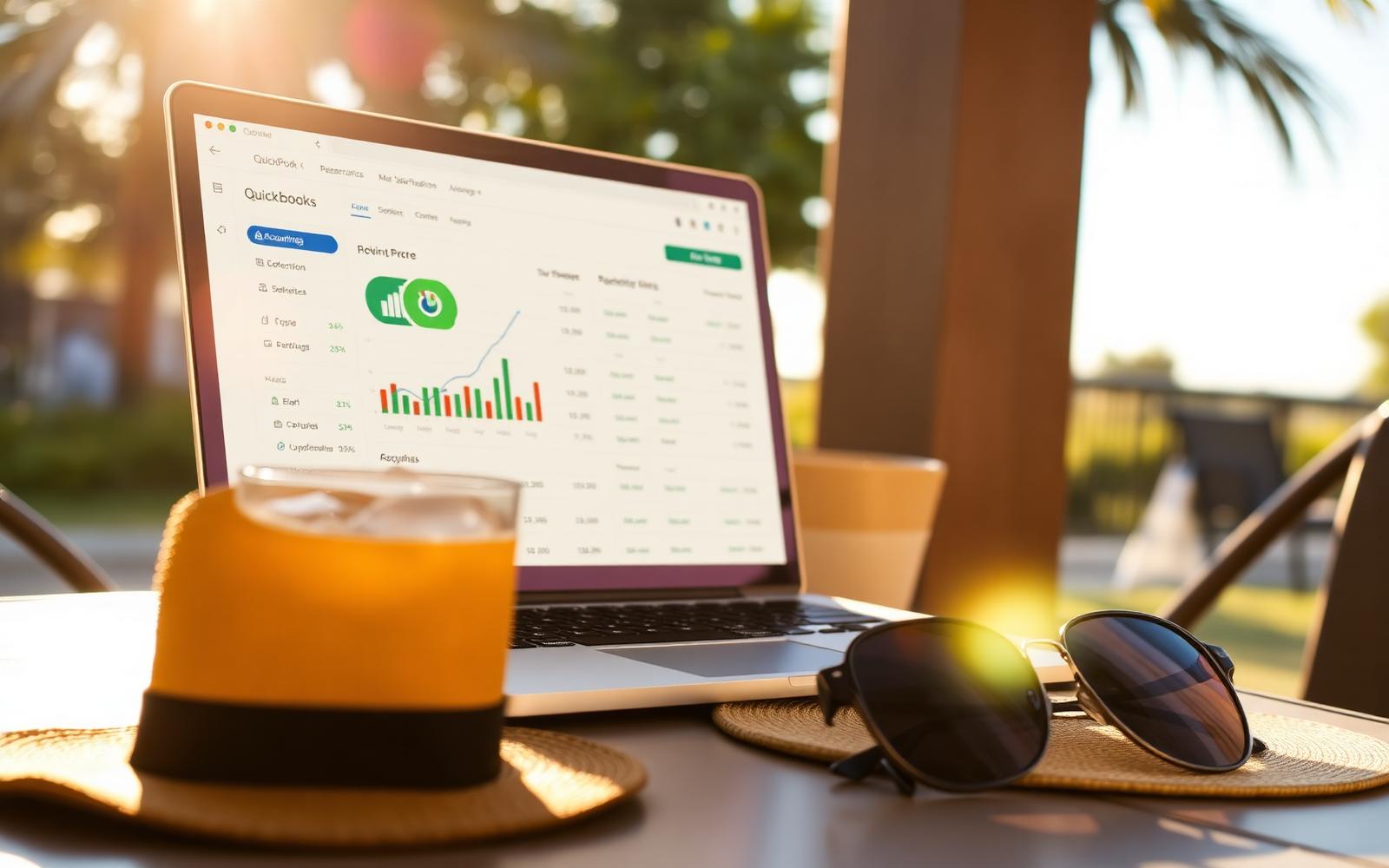
QuickBooks Online keeps a small business running during vacation by automating recurring invoices, sending payment reminders on your behalf, syncing bank transactions and receipts in real time, and letting you check cash flow and P&L from a phone in seconds — no laptop required.
Vacation shouldn't mean playing catch-up for two weeks when you get back. With QuickBooks Online quietly working in the background, your invoices go out, payments come in, and expenses stay organized — all while you're at the beach.
Table of contents
Why Most Owners Dread Vacation
For a lot of small business owners, vacation isn't really vacation. It's a week of half-answered emails, missed invoices, and the quiet dread of the inbox waiting when you get home. The problem usually isn't the trip — it's the manual admin that only you do.
QuickBooks Online fixes that by taking the recurring work off your plate entirely. Here's what runs itself while you're gone.
1. Recurring Invoices and Auto-Reminders
Set up recurring invoices for retainer clients or monthly subscriptions and QuickBooks sends them on schedule — the 1st, the 15th, or whatever cadence you choose. Pair that with automatic payment reminders at 3, 7, and 14 days past due, and most overdue invoices resolve themselves before you even open your phone.
Want to set this up before your trip? Start with QuickBooks Online here (affiliate link — we may earn a commission at no extra cost to you).
2. Real-Time Expense and Receipt Capture
Bank feeds sync every day, so travel charges, subscription renewals, and any team purchases land in QuickBooks automatically. If you or a team member buys something during the trip, a quick photo from the mobile app attaches the receipt to the transaction and QuickBooks categorizes it.
The upside: when you get back, there's no shoebox of crumpled receipts and no guessing what a $137 charge from a random vendor was for.
3. A Full Dashboard in Your Pocket
The QuickBooks mobile app gives you the same profit & loss, cash flow, and open-invoice views as the desktop version. A 30-second check-in over morning coffee tells you what got paid, what's outstanding, and whether next week's payroll is covered — no laptop, no VPN, no stress.
4. Safely Hand Off to a Bookkeeper or Team Member
QuickBooks supports multi-user access with role-based permissions, so you can give a bookkeeper or trusted team member exactly the access they need — approve payments, send invoices, or just view reports — without handing over the keys to everything. When you're back, an audit log shows exactly what happened while you were gone.
Set It Up Before You Leave
Give yourself one afternoon before the trip: connect your bank, turn on recurring invoices for retainer clients, enable automatic reminders, and install the mobile app on your phone. That's it — the rest runs itself.
Get started with QuickBooks using our exclusive link: https://quickbooks.partnerlinks.io/hqz1v4wb3ydm.
Best Ways to Get Started
- →
Turn on recurring invoices for retainer clients
Monthly invoices send themselves on schedule — no logging in from the pool deck.
- →
Enable automatic payment reminders
QBO nudges late-paying clients at 3, 7, and 14 days so cash keeps arriving.
- →
Install the mobile app before you leave
A 30-second morning check-in replaces an hour of catch-up when you return.
Frequently Asked Questions
Sources
- • Publication 334: Tax Guide for Small Business — Internal Revenue Service
- • Generally Accepted Accounting Principles (GAAP) — Financial Accounting Standards Board
- • Small Business Financial Management — U.S. Small Business Administration
All articles are reviewed for factual accuracy by a credentialed accounting professional before publication.
Elena is a Certified Public Accountant with 14 years of experience advising small businesses on bookkeeping systems, tax planning, and financial controls. She previously led the small business advisory practice at a regional accounting firm.